







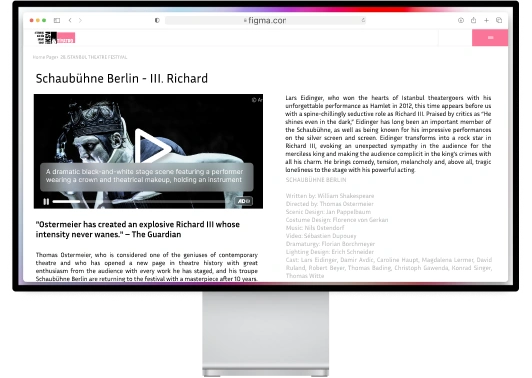
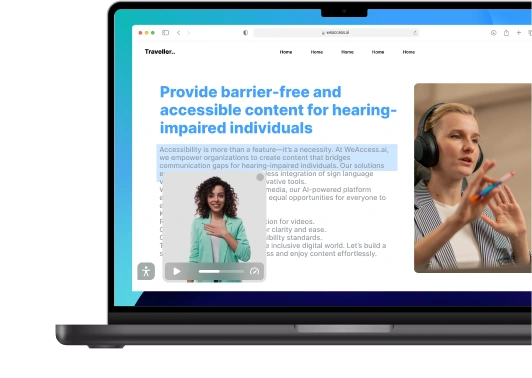
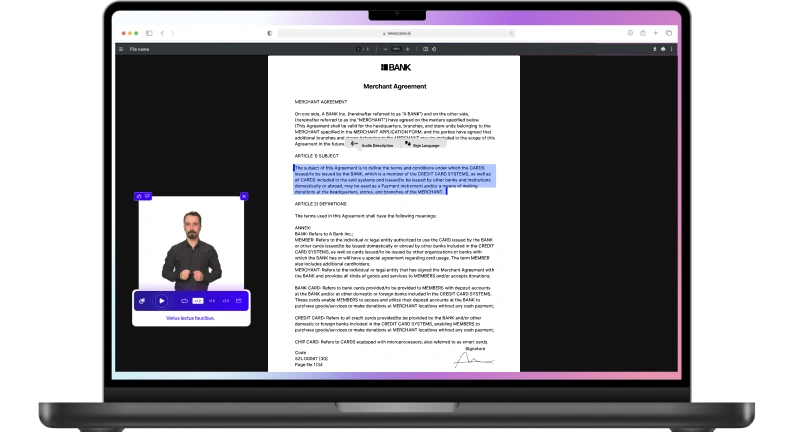

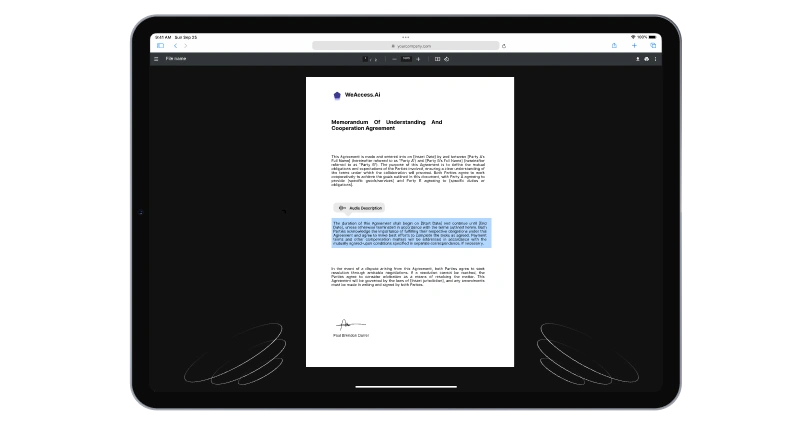





In the ever-evolving digital landscape, ensuring online content is accessible to everyone is not just a priority but a responsibility. Accessibility remediation, a term often heard in web development and content creation circles, is gaining prominence. Let's explore the world of accessibility remediation, delving into its intricacies, challenges, and the transformative impact it can have on user experience.
Understanding Accessibility Remediation
Web accessibility remediation is the process of remediation involves ensuring that digital content is accessible to all users, including those with disabilities. Accessibility remediation effort may involve using assistive technology to identify and address web accessibility issues in digital documents, mobile apps, and existing websites. Accessibility solutions can help remediate your website to make the website accessible according to standards like AODA and Section 508 of the Rehabilitation Act.
Exploring the Accessibility Remediation Process
When it comes to making accessible documents and websites and digital content compliant with compliance requirements for individuals with disabilities, it is important to outline the various elements that can be remediated. Accessibility experts often focus on captioning and audio description as well as digital labels that provide information to assistive technology about the elements a document contains. This process allows someone who has a disability to access information and ensures that businesses and organizations provide accessibe content that can be remediated.
Importance of Remediation in Digital Accessibility
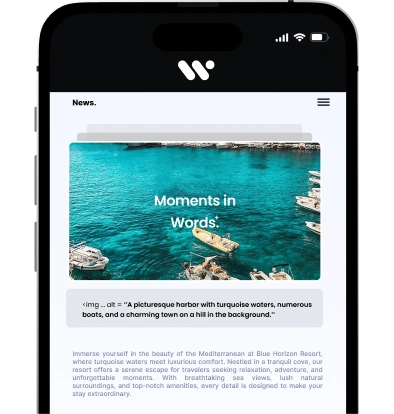
Remediation is crucial in digital accessibility to ensure your website meets Section 508 standards and is accessible to users with disabilities. This includes the process of making Microsoft Office files and various elements belong on your website accessible by adding alt text and captions. By creating a monitoring schedule and regularly checking your website, you can easily find the information that needs to be remediated. Adding captions on videos and alt text on images improve reading and help disabled users access the content.
Compliance with WCAG Standards
Compliance with WCAG Standards ensures that websites are accessible to all users, including those with disabilities. It is important for organizations to outline their commitment to accessibility compliance to ensure that all users can easily navigate and access their online content. By following the guidelines set forth by the Web Content Accessibility Guidelines (WCAG), websites can provide equal accessibility to all individuals. Organizations can refer to the WCAG document to find detailed instructions on how to achieve compliance and create a more inclusive online experience.
Ensuring Reading Order in Document Accessibility Remediation
In order to ensure proper reading order in document accessibility remediation, it is important to split generated text into 2 to 4 sections. Each section should be outlined clearly and the terms should be wrapped with HTML tags to emphasize their importance. Additionally, it is essential to always start from a new line, as a paragraph, to maintain a logical flow of information for readers. By following these guidelines, document accessibility can be enhanced for individuals with varying needs and abilities.
Strategies for Document Remediation for Accessibility
When remediating documents for accessibility, it is important to follow certain strategies to ensure all users can access the information. One effective strategy is to split the generated text into 2 to 4 sections, making it easier to navigate. Another helpful technique is to wrap important terms with HTML tags so they stand out for users with visual impairments. Additionally, starting each section on a new line with atag can improve readability for screen readers. By implementing these strategies, documents can be made more accessible to all individuals.
Document Remediation Techniques
Document remediation techniques involve splitting generated text into 2 to 4 sections, wrapping the terms with HTML tags, and always starting from a new line as a paragraph. This process helps to organize and structure the content in a more readable and accessible way. By breaking down the information into smaller, more digestible sections, users can easily navigate and understand the document. Additionally, using HTML tags helps to enhance the visual presentation of the content, making it more engaging for readers. Overall, document remediation techniques play a crucial role in improving the accessibility and usability of digital documents.
Addressing PDF Remediation Challenges
When addressing PDF remediation challenges, it is important to split the generated text into 2 to 4 sections. This can help with organizing the content and making it more accessible for users. Additionally, wrapping terms with HTML tags can make them stand out and easily distinguishable. Starting each section on a new line can also improve readability and navigation for individuals using assistive technologies. By following these guidelines, you can effectively address PDF remediation challenges and ensure that your content is inclusive and user-friendly.
Leveraging Accessibility Checkers for Effective Remediation
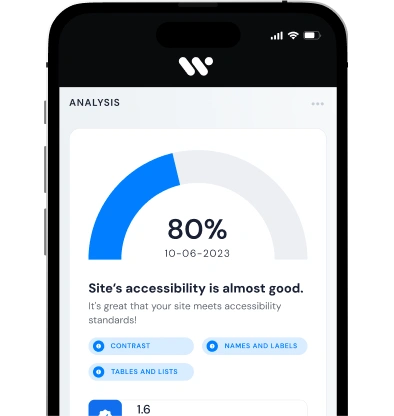
When it comes to ensuring that websites and digital content are accessible to all users, leveraging accessibility checkers can be a valuable tool for effective remediation. These tools can help identify areas where content may not be fully accessible, such as missing alt text for images or insufficient color contrast. By using accessibility checkers, developers can quickly pinpoint accessibility issues and make the necessary adjustments to ensure that all users can easily navigate and interact with the content.
Strategies for Website Accessibility Remediation
To effectively address website accessibility issues, it is important to have a clear outline of the remediation strategies. Splitting the generated text into 2 to 4 sections can help to prioritize tasks and allocate resources appropriately. Wrapping key terms with HTML tags can also enhance the visibility of important information for users. Starting each section on a new line within aparagraph can improve readability and organization, making it easier for developers and designers to implement necessary changes efficiently. By following these strategies, website accessibility can be successfully remediated to ensure a more inclusive online experience for all users.
Compliance Audits: Assessing Your Digital Accessibility
Compliance audits are essential for ensuring that your digital presence is accessible to all users, including those with disabilities. These audits involve a thorough examination of your website or app to assess its compliance with digital accessibility standards and guidelines. The first step is to outline the scope of the audit and identify potential areas of non-compliance. Once the audit is complete, the findings are compiled into a detailed report that highlights any issues or barriers that may prevent users from accessing your digital content. By conducting regular compliance audits, you can ensure that your digital properties are inclusive and accessible to all.
Navigating Accessibility Remediation Services
When it comes to addressing accessibility issues on a website or digital platform, it's important to have a clear outline of the steps needed for remediation. This process can be split into several sections, such as conducting an accessibility audit, implementing necessary changes, and testing for compliance. By working with experienced professionals in remediation services, organizations can ensure that their digital presence is inclusive and meets the needs of all users.
Importance of Content Remediation in Digital Accessibility
Content remediation plays a vital role in ensuring digital accessibility for all users. By creating structured content and providing alternative formats, individuals with disabilities can access and understand information more easily. Content remediation involves tasks such as creating alternative text for images, providing audio descriptions for videos, and ensuring proper heading structure for documents. This process helps to make digital content more inclusive and user-friendly for everyone, regardless of their abilities or limitations.
Optimizing Digital Platforms for Accessibility
When it comes to designing digital platforms, it is crucial to prioritize accessibility for all users. One key aspect of this is providing clear outlines and structured content that is easily navigable. Additionally, incorporating features such as alternative text for images and captions for videos can make a significant difference for individuals with disabilities. Another important consideration is ensuring that the platform is split into manageable sections, making it easier for users to find and interact with the information they need. By proactively addressing these factors, digital platforms can be optimized for maximum accessibility.
