

Mobile Accessibility Solutions for More Accessible Apps
Identify accessibility barriers, make mobile content more accessible, and expand access to sign language with solutions designed for iOS and Android applications.
Trusted by organizations building more accessible digital experiences.
















Build digital experiences everyone can use.
See how WeAccess.Ai can help your organization manage accessibility across web, mobile, documents and media.
A Connected Approach to Mobile Accessibility
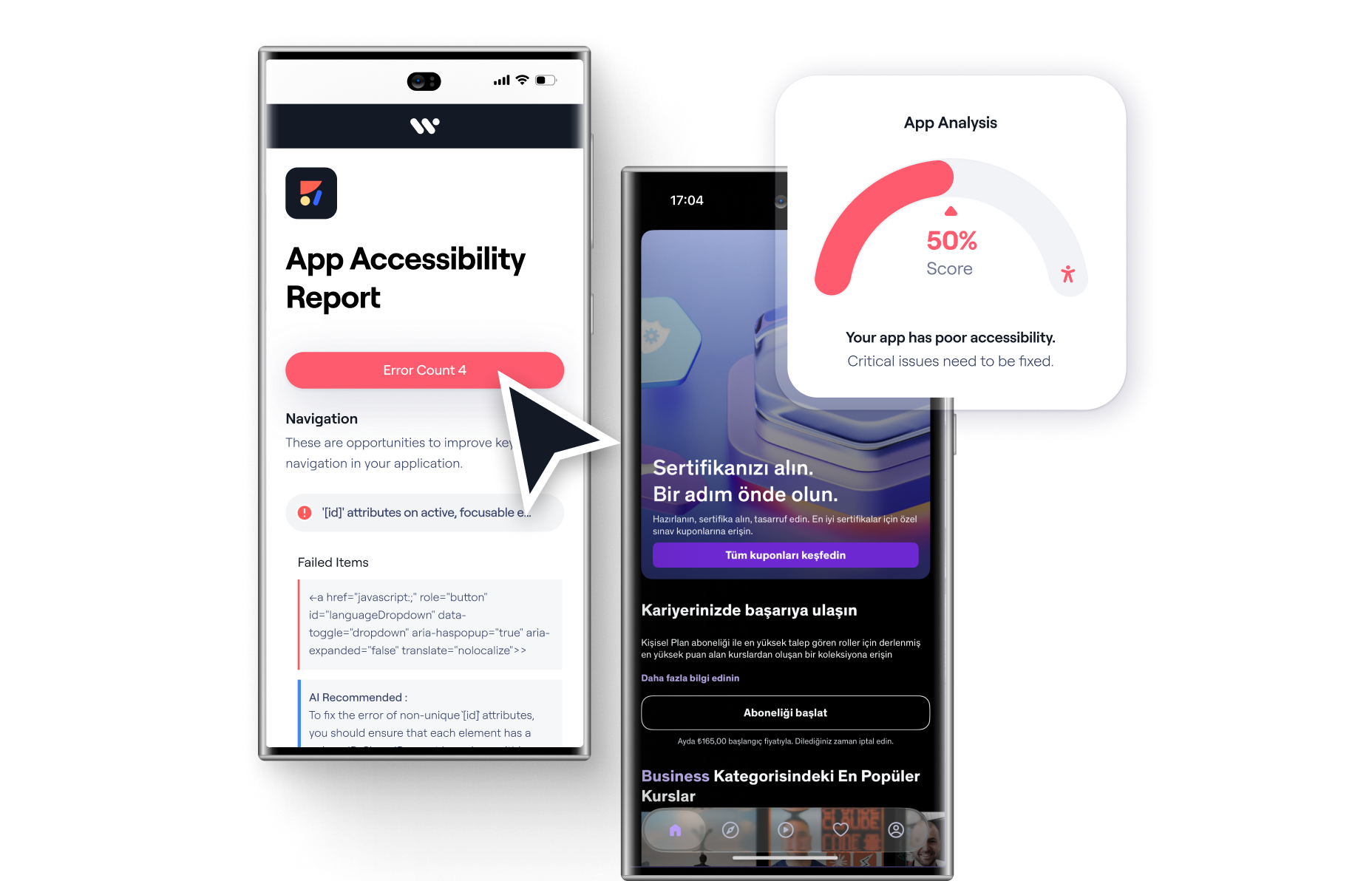
Mobile App Scan
Analyze mobile applications to identify accessibility issues and understand their severity.
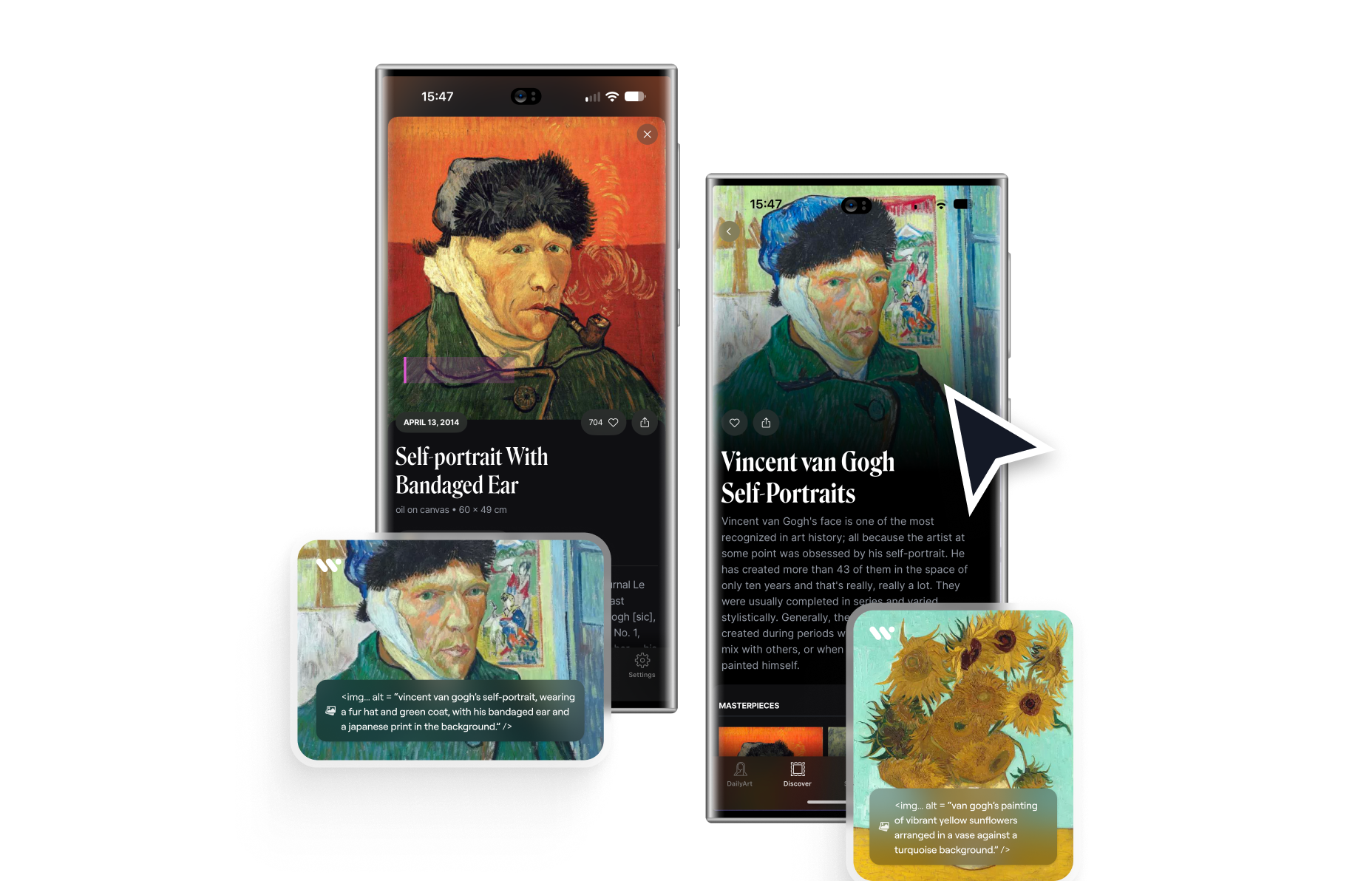
Alt Text for Apps
Generate descriptions that help convey the meaning of app images for screen reader users.
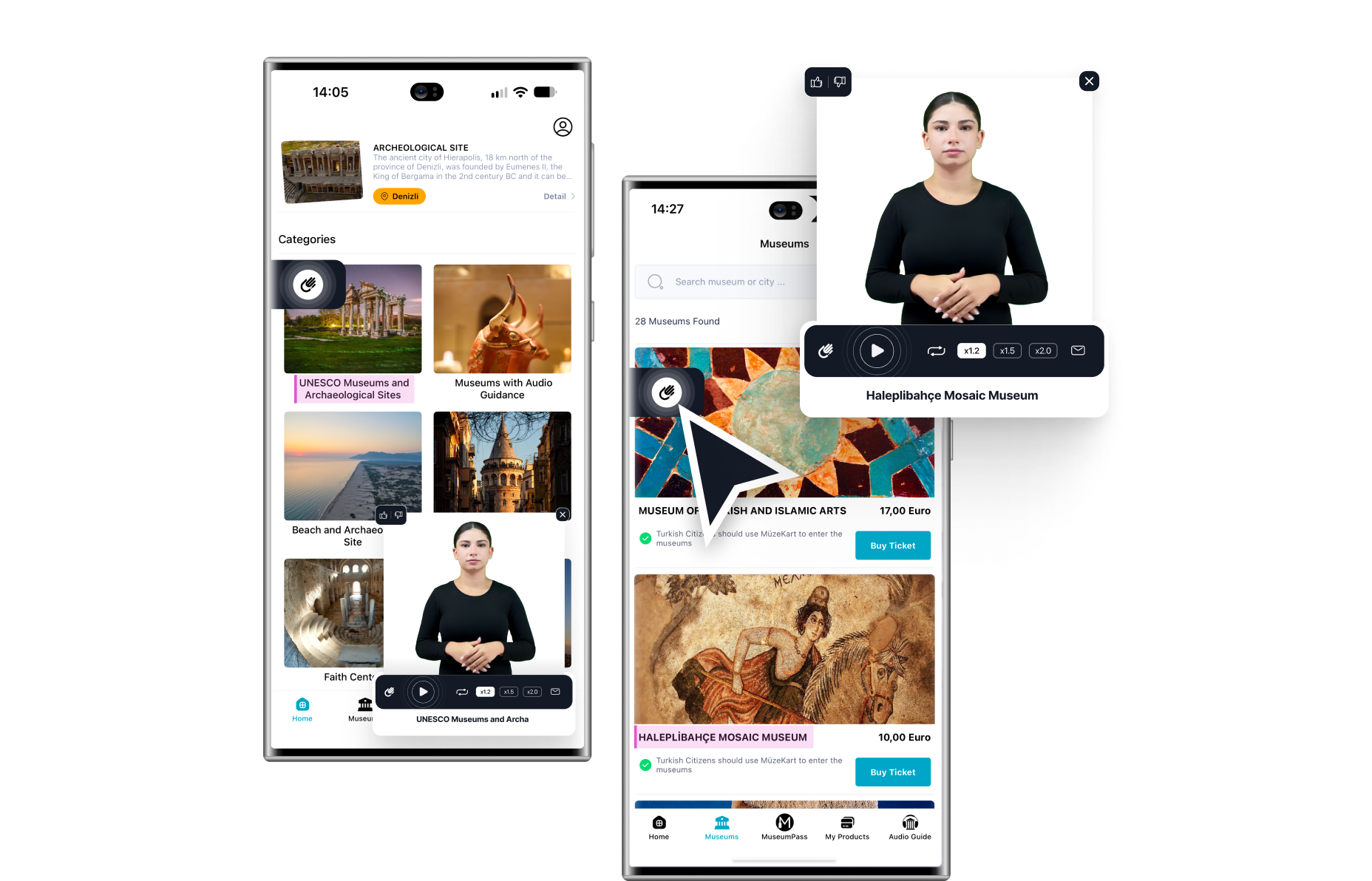
Sign Language for Apps
Add sign language support to mobile apps via SDK, making digital content more accessible.
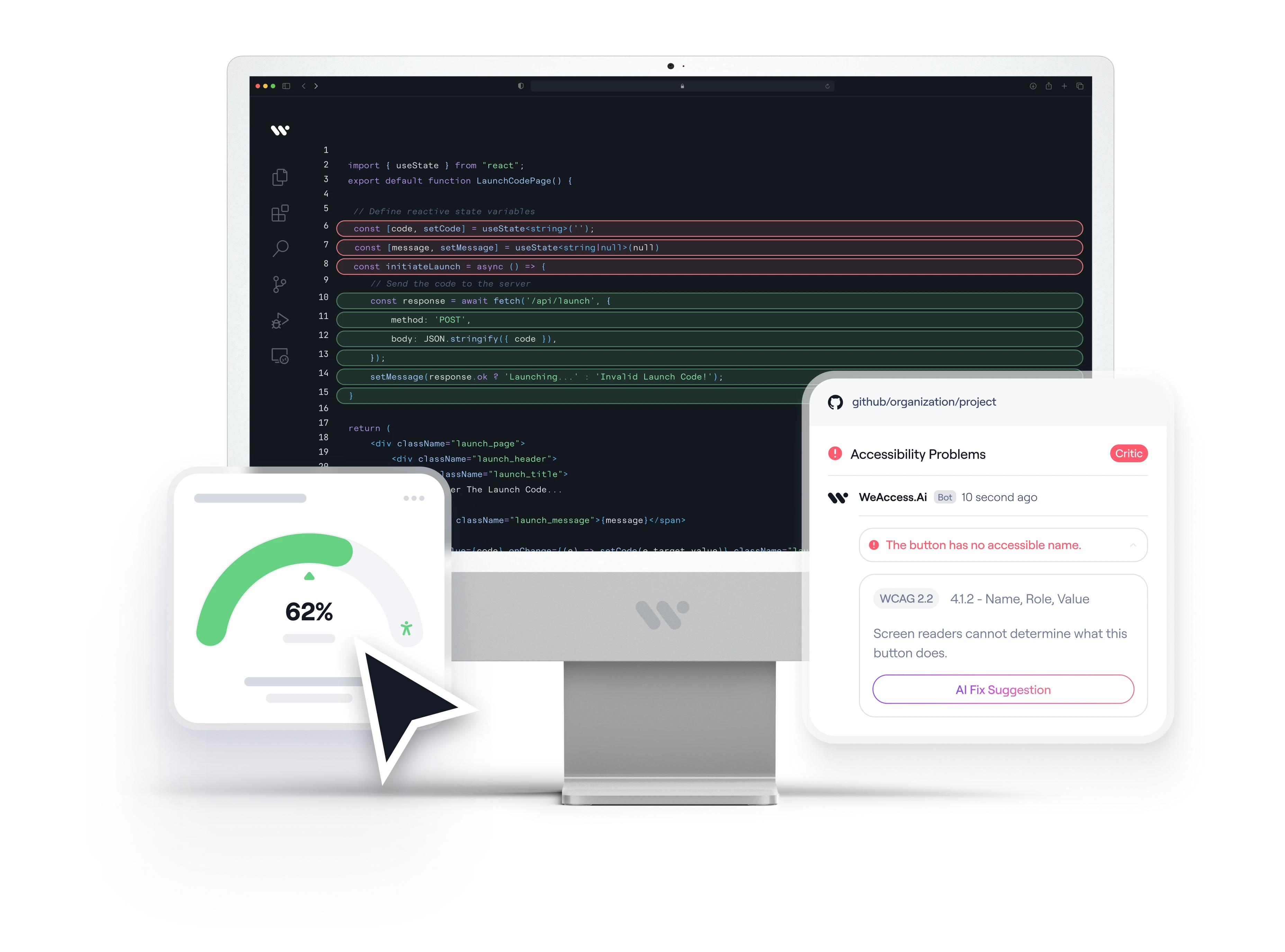
CodeScan
Analyze your source code to find accessibility issues and get AI-powered fix suggestions.
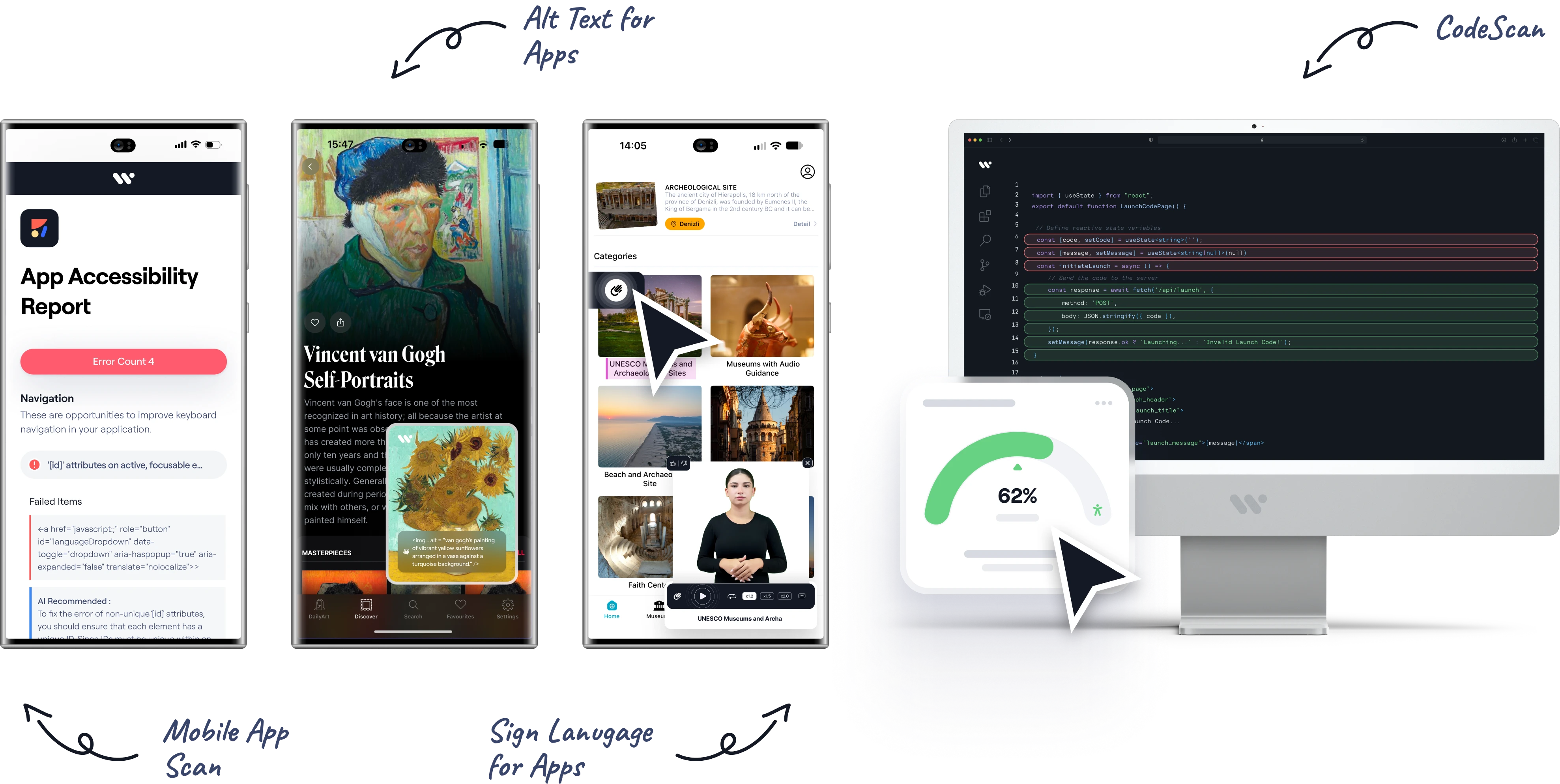
Mobile App Scan, Alt Text for Apps, Sign Language for Apps, and CodeScan work together to identify barriers and make app content more accessible on iOS and Android.
Built Around Accessibility Standards
Our accessibility solutions support organizations working with recognized accessibility standards and requirements, including:
 WCAG 2.2
 ADA
ADA European Accessibility Act
 Section 508
 EN 301 549
A more accessible digital world.
 50+Organizations Served in Mobile Projects
 10,000+Issues Identified in Mobile Apps
 4 ProductsMobile Accessibility Under One Roof
 2 PlatformsiOS and Android

FAQ
Still have questions? View our complete FAQ section.
Mobile accessibility focuses on making mobile applications usable by people with different disabilities and compatible with assistive technologies.
Yes. Mobile App Scan analyzes applications on both iOS and Android so you can review accessibility issues across the platforms your users rely on.
It identifies issues such as missing accessibility labels, insufficient contrast, small touch targets, and navigation problems that affect screen reader users.
Alt Text for Apps generates meaningful descriptions of images inside your application so that screen reader users can understand visual content.
Sign Language for Apps adds sign language support to mobile applications via SDK, giving deaf users another way to access app content.
No. Automated tests can detect only some mobile accessibility issues. Gesture-based controls, screen reader navigation order and the quality of image descriptions require manual testing by specialists.
Mobile applications are commonly evaluated against WCAG 2.2, ADA, the European Accessibility Act, Section 508, and EN 301 549.
Make your mobile apps more accessible.
Identify accessibility barriers, improve the mobile experience, and create more accessible applications.