

WeAccess.Ai Accessibility Tool – Integration Guide
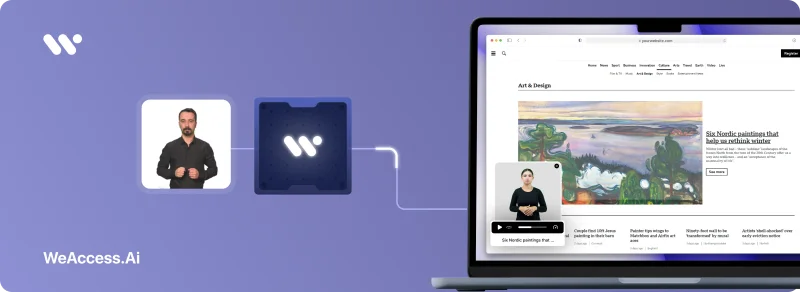
WeAccess Widget – Accessibility Tool Integration
Step 1. About WeAccess.Ai
WeAccess.Ai develops AI-powered, sustainable digital accessibility solutions that ensure persons with disabilities or special needs can easily access online content and services.
Thanks to these solutions, your website provides an equal, accessible, and easy-to-understand experience for all users.
Step 2. What Is the Accessibility Tool?
The Accessibility Tool by WeAccess.Ai includes essential features for users who are:
- Blind or have low vision
- Motor impaired
- Dyslexic or have cognitive challenges
- Color blind
- Diagnosed with ADHD
- Prone to seizures or epilepsy
Using this tool, users can:
- Adjust text size, spacing, font, and line height
- Change contrast settings
- Highlight links
- Disable animations and pop-ups
- Enable image descriptions
- Activate a screen reader
- Use any feature individually or combine multiple options
The tool is activated with a single line of code and appears as a floating icon that can be customized and positioned to your preference.
Step 3. Integration Code
Add the following JavaScript snippet just before the closing </body> tag of your website:
<script type="module">
  import "https://pl.weaccess.ai/static/tool/wetool.js";
  weTool.mount({ hash: "YOUR_HASH_CODE" });
</script>
Step 4. Post-Integration Check
Once the integration is complete:
- The accessibility icon appears on your website
- Its position and color can be fully customized
- Clicking the icon opens the accessibility control panel
Step 5. Authorization for Testing
If you’d like to test the tool in a staging environment before going live, please share your staging domain with WeAccess.Ai so we can authorize it in our system.
