

Integrating WeAccess.Ai Sign Language SDK into Android Applications
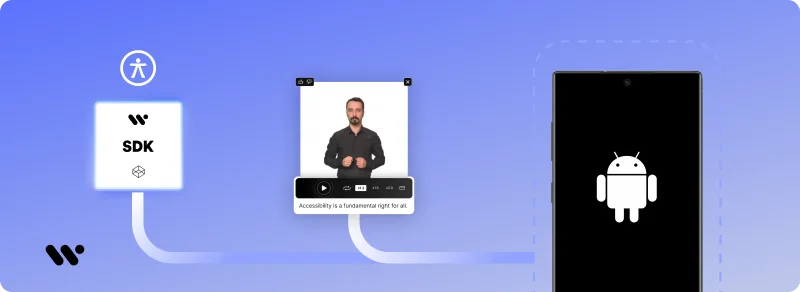
Integrating WeAccess.Ai SignForDeaf SDK into Android Applications
This guide explains how to integrate the WeAccess.Ai (SignForDeaf) Mobile Sign Language SDK into an Android application using Kotlin.
Step 1. Add JitPack Repository
Add the JitPack repository to your settings.gradle file:
dependencyResolutionManagement {
    repositoriesMode.set(RepositoriesMode.FAIL_ON_PROJECT_REPOS)
    repositories {
        mavenCentral()
        maven { url 'https://jitpack.io' }
    }
}
Step 2. Add SDK Dependency
Add the following dependency to your app-level build.gradle file:
dependencies {
    implementation 'com.github.signfordeaf:mobile-sign-language-translation-kt:1.0.3'
}
Step 3. Add Required Permission
Ensure that the following permission exists in app/src/main/AndroidManifest.xml:
<uses-permission android:name="android.permission.INTERNET" />Step 4. Initialize and Use the SDK (Kotlin)
Initialize the SDK inside the onCreate method of your AppCompatActivity.
class MainActivity : AppCompatActivity() {

    override fun onCreate(savedInstanceState: Bundle?) {
        super.onCreate(savedInstanceState)
        enableEdgeToEdge()
        setContentView(R.layout.activity_main)

        SignForDeafUtil.initialize(
            apiKey = "YOUR_API_KEY",
            requestUrl = "YOUR_REQUEST_URL"
        )

        SignForDeafTranslate.makeAllTextSelectable(this)
    }
}
✅ Integration Complete
Your Android application is now successfully integrated with the WeAccess.Ai SignForDeaf SDK, enabling accessible sign language translation.
