

WeAccess.Ai Accessibility Tool – GTM Integration Guide
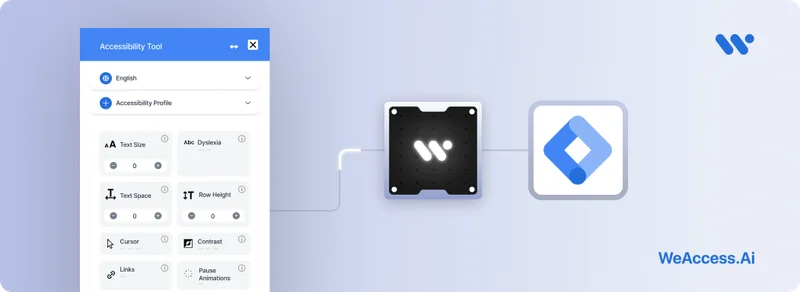
WeAccess.Ai Accessibility Tool – GTM Integration Guide
Step 1. Log into Google Tag Manager
Log in to your Google Tag Manager account and select the container associated with your website.
Step 2. Create a Custom HTML Tag
Navigate to Tags > New, then choose Tag Configuration > Custom HTML.
Paste the following code into the HTML box. Make sure to replace HASH_CODE with your actual access key:
<script>
  (function() {
    var script = document.createElement('script');
    script.type = 'module';
    script.src = 'https://pl.weaccess.ai/static/tool/wetool.js';
    document.body.appendChild(script);
    script.onload = function() {
      weTool.mount({ hash: "HASH_CODE" });
    };
  })();
</script>
Step 3. Add a Trigger
Set the trigger to All Pages to ensure the tool loads on every page of your website.
Step 4. Save and Publish
Click Save, then hit Submit to publish your GTM container and apply the changes.
