

WeAccess.Ai Video Sign Language SDK Integration for iOS Applications
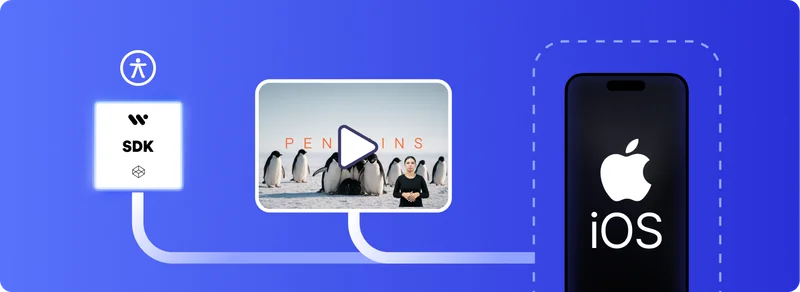
WeAccess.Ai Video Sign Language SDK Integration for iOS (SwiftUI)
Step 1. Install with Swift Package Manager
Open your project in Xcode and do the following:
- Go to
File → Add Packages… - Enter the following URL:
https://github.com/signfordeaf/VideoSignTranslate.gitStep 2. Manual Installation
- Clone the repository
- Add the Swift files to your Xcode project manually
Activation
Initialize the SDK with your API key:
import SwiftUI
import VideoSignTranslate

@main
struct WeSignExampleApp: App {
    init() {
        VideoSignController.shared.initialize(apiKey: "YOUR-API-KEY")
    }

    var body: some Scene {
        WindowGroup {
            ContentView()
        }
    }
}
Usage
In your SwiftUI view:
import SwiftUI
import AVKit
import VideoSignTranslate

struct ContentView: View {
    @State private var player: AVPlayer?
    private let videoURL: URL?

    init() {
        if let url = Bundle.main.url(forResource: "YOUR-FILE-NAME", withExtension: "mp4") {
            self.videoURL = url
            self._player = State(initialValue: AVPlayer(url: url))
        } else {
            self.videoURL = nil
            print("Hata: Video dosyası bulunamadı.")
        }
    }

    var body: some View {
        VStack {
            if let player = player, let videoURL = videoURL {
                SignVideoPlayerView(
                    videoURL: videoURL,
                    videoAssetName: videoURL,
                    videoPlayer: VideoPlayer(player: player),
                    playerC: player
                )
            } else {
                Text("Video yüklenemedi.")
                    .foregroundColor(.red)
            }
        }
    }
}

#Preview {
    ContentView()
}
