

How to Integrate WeAccess.Ai Accessibility Tool on WordPress
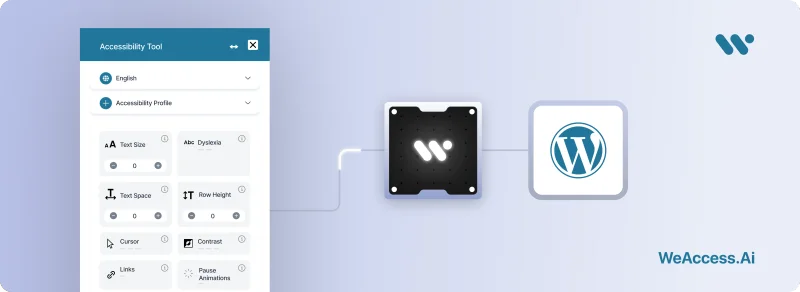
How to Integrate WeAccess.Ai Accessibility Tool on WordPress
Step 1. Access the WordPress Admin Panel
Log in to your WordPress dashboard and navigate to Appearance > Theme File Editor.
Step 2. Open footer.php
From the list of theme files on the right-hand side, select footer.php.
Step 3. Insert the Script
Paste the following script right before the closing </body> tag:
<script>
  (function() {
    var script = document.createElement('script');
    script.type = 'module';
    script.src = 'https://pl.weaccess.ai/static/tool/wetool.js';
    document.body.appendChild(script);
    script.onload = function() {
      weTool.mount({ hash: "HASH_CODE" });
    };
  })();
</script>
Step 4. Save and Verify
Click Update File, then visit your website to make sure the WeAccess.Ai accessibility icon is visible and functioning as expected.
