

CodeScan Find accessibility inside your code.
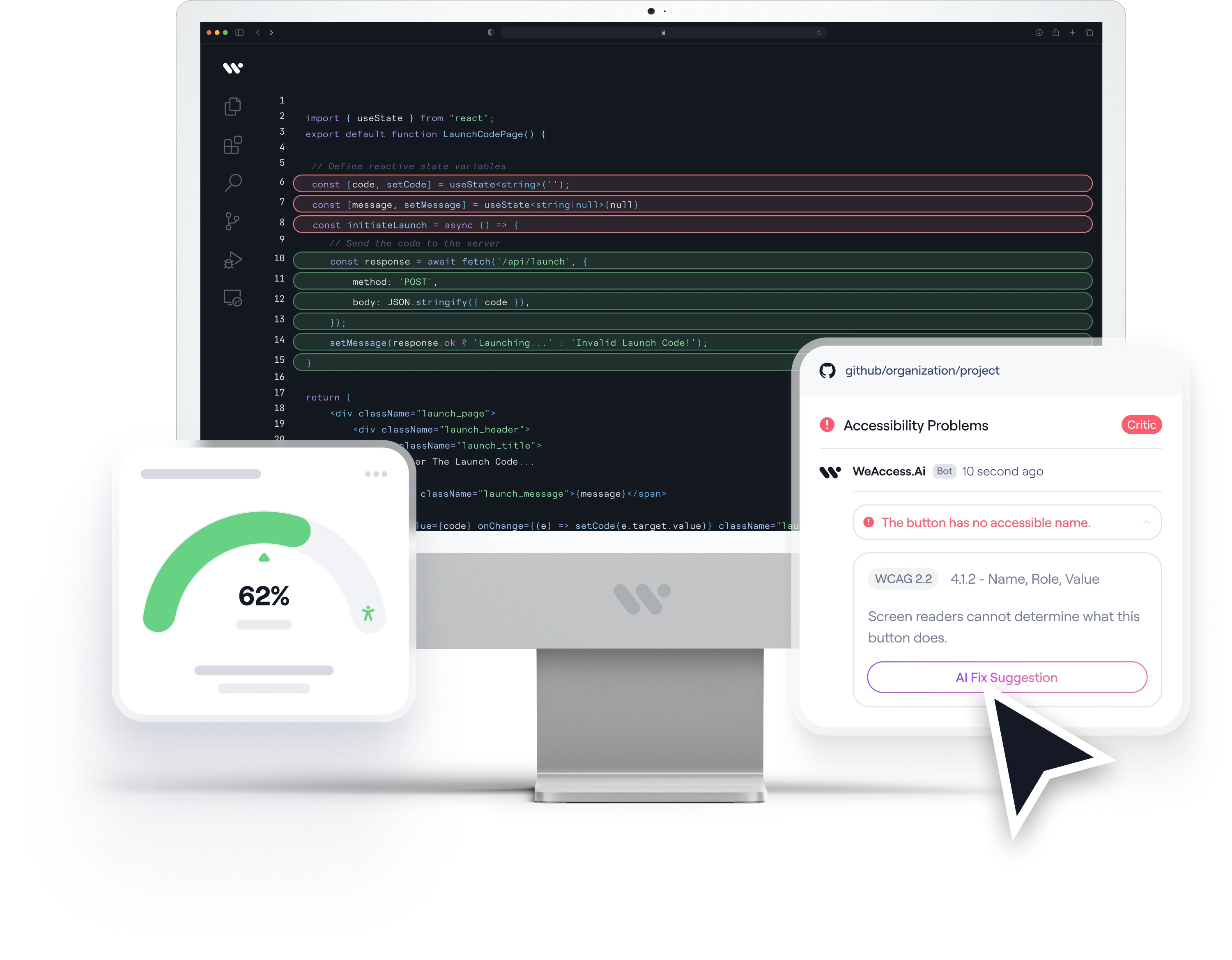
CodeScan automatically analyses the source code of web and mobile applications to detect accessibility issues, maps them to WCAG and lets developers fix them directly.
Works with popular web and mobile technologies









- Source code analysisNo need to run the application. It analyses your code to detect accessibility issues.
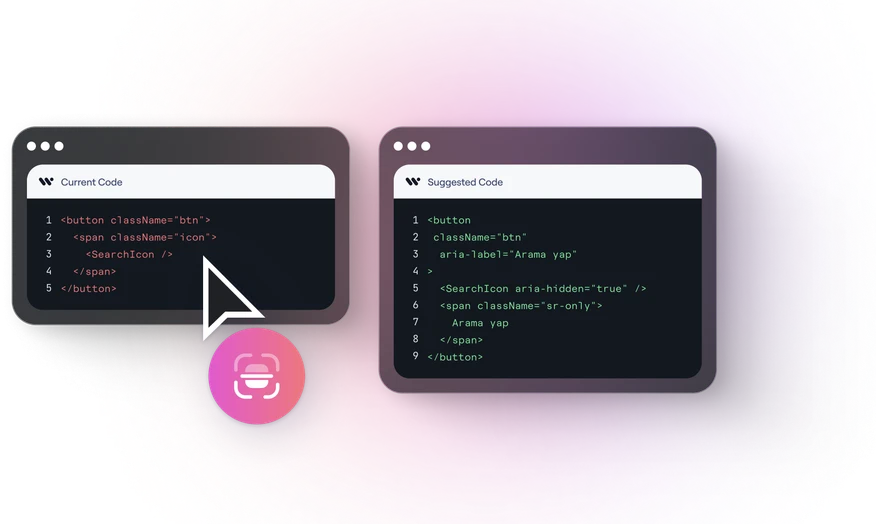
- AI-assisted fix suggestionsIt explains issues, generates fix code and helps you spot semantically incorrect labels.
- Mapped to WCAGEvery issue found is matched to the relevant WCAG criteria with detailed explanations.
It detects the technology your project uses automatically.
Understand the issue,apply the fix.
AI explains the issues it finds in the context of your project's real code and suggests fix code. Suggestions are checked against accessibility rules again before they are applied.

Part of yourdevelopment workflow.
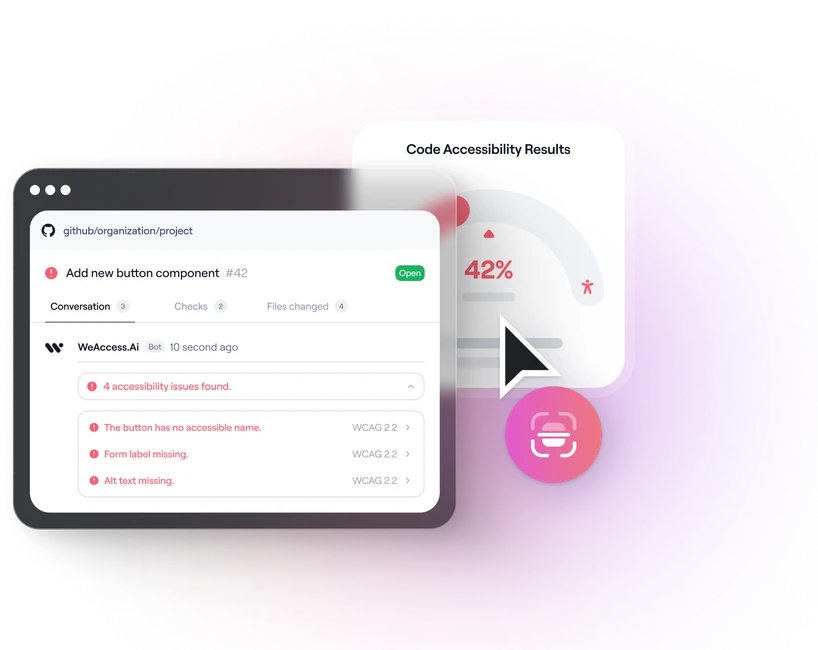
Install Code Scan on GitHub and let changed files be analysed automatically whenever a Pull Request is opened. See accessibility issues right inside the PR.
- Automatic analysis on Pull Requests
- Scheduled scans for the whole project
- Tracking through GitHub Issues
- Automatic closing once issues are resolved
Flexible ways to use it
- GitHub IntegrationThe easiest way to run Pull Request and project scans.
- APIStart scans from your other systems.
- Command Line ToolEasy to use on a developer machine.
- Docker & GitHub ActionsScheduled scans and on-premises setup.
It detects the technology your project uses automatically.
A Word from Our Accessibility Team
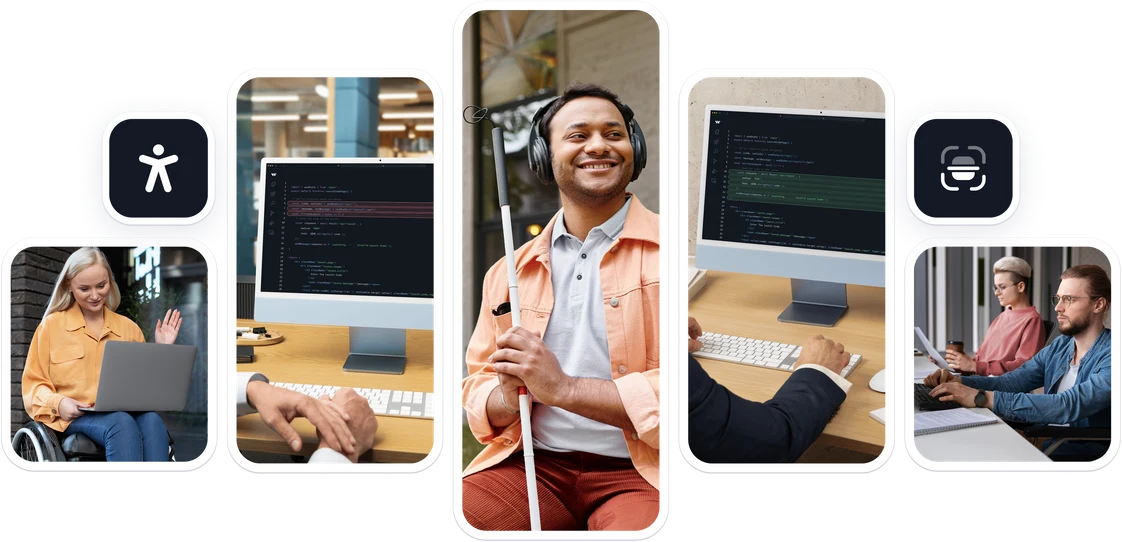
Our team shares why this solution matters—and how it can help more people access what you create.
“Find accessibility issues in your code with CodeScan and explore AI-powered fix suggestions to build more accessible experiences.”

Your questions, answered.
Still have questions? View our complete FAQ section.
CodeScan is a tool that analyses the source code of web and mobile applications to detect accessibility issues and offer fix suggestions.
No. Code Scan analyses the source code directly; you do not need to run the application.
It supports React, Next.js, Vue.js, Angular, HTML, Flutter, SwiftUI and other modern web and mobile technologies.
When a Pull Request is opened it automatically analyses the changed files and shows the accessibility issues it finds directly inside the PR.
Yes. Detected issues are matched to the relevant WCAG criteria and explained for developers.
AI explains the issue in the context of your project's code and suggests fix code. Suggestions are checked against accessibility rules again before they are applied.
Yes. You can integrate it into different development workflows with the API, the command line tool and Docker.
It identifies the issues that can be detected from source code. A comprehensive assessment also requires manual checks and user experience testing.
Build digital experiences everyone can use.
See how WeAccess.Ai can help your organization manage accessibility across web, mobile, documents and media.