

Web Accessibility Scan
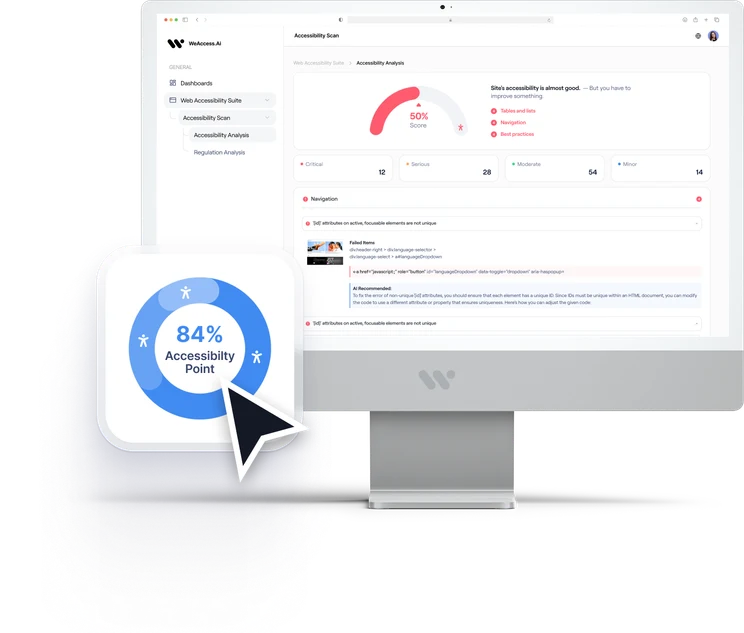
Automatically scan your website for accessibility issues, prioritize barriers by impact, and give your team actionable guidance based on WCAG 2.2.
- No installation required
- WCAG 2.2
- Results in minutes
Some of the organizations we work with
















Scan Your Website's Accessibility in 3 Steps
- 1
Enter your URL
Enter your website URL to start an accessibility scan.
Example: www.yourwebsite.com- WCAG 2.2
- Results in minutes
- 2
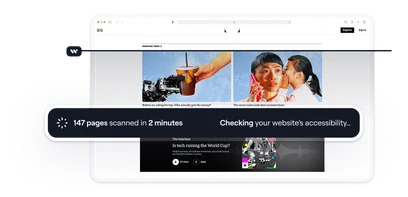
WeAccess scans your pages
WeAccess.Ai scans your pages for accessibility issues based on WCAG
- 3
See what needs attention
Review detected issues, their impact, and recommended fixes.
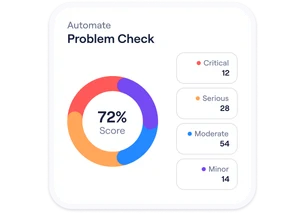
Get your accessibility results in three simple steps.
Find accessibility issues on your website.
Run a quick accessibility check and discover potential barriers on your website. Automated scanning cannot detect every issue.
The accessibility score is based on automated test results. It is not a statement of WCAG or regulatory compliance. A full assessment requires manual testing.

Everything you need for
accessibility scanning.
Help your team detect issues and plan fixes more efficiently.
Detect Accessibility Issues
Automatically identify potential accessibility barriers across your website.
Understand Their Impact
See affected WCAG criteria, severity and impacted components.
Know What to Fix First
Prioritize issues based on severity and user impact.
Track Accessibility Progress
Monitor issue trends and improvements from a single dashboard.
Test Web & Mobile
Manage accessibility assessment across web and mobile experiences.
Fix with Developer Guidance
Give developers actionable recommendations for remediation.
See the issue.
Understand the fix.
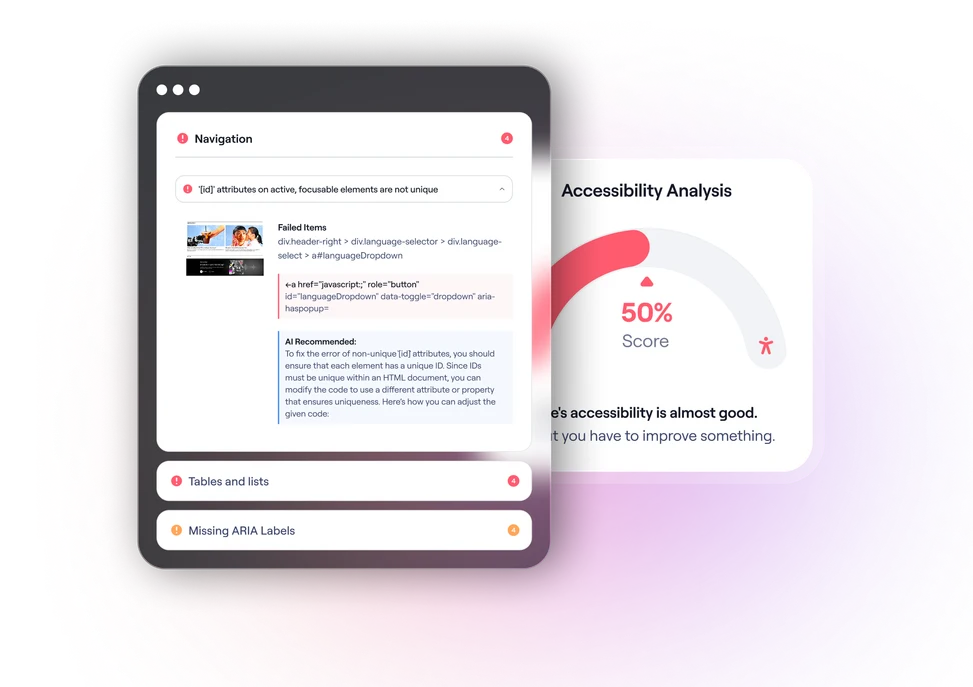
Get detailed information about each accessibility issue with clear explanations and remediation guidance for your team.
- Exact element location
- WCAG criteria mapping
- Plain language explanations
- Actionable remediation steps
AI that helps your team move faster.
We use AI to speed up scans and reviews. In our audit services, expert validation remains central to critical decisions.
Explain
Turn technical findings into understandable explanations.
Recommend
Generate remediation guidance based on the issue and context.
Prioritize
Help teams focus on accessibility barriers that matter most.
Assist Developers
Provide contextual guidance for resolving issues.

Recognized standards and regulations.
WeAccess Scan tests your website against WCAG 2.2 success criteria that can be checked automatically. Its results can support your work toward requirements such as the ADA, EAA and EN 301 549.
Web Content Accessibility Guidelines
Americans with Disabilities Act
European Accessibility Act
European ICT Accessibility Standard
Track progress over time.
Schedule recurring scans, monitor your accessibility score and keep improving as your digital products evolve.
Contact Us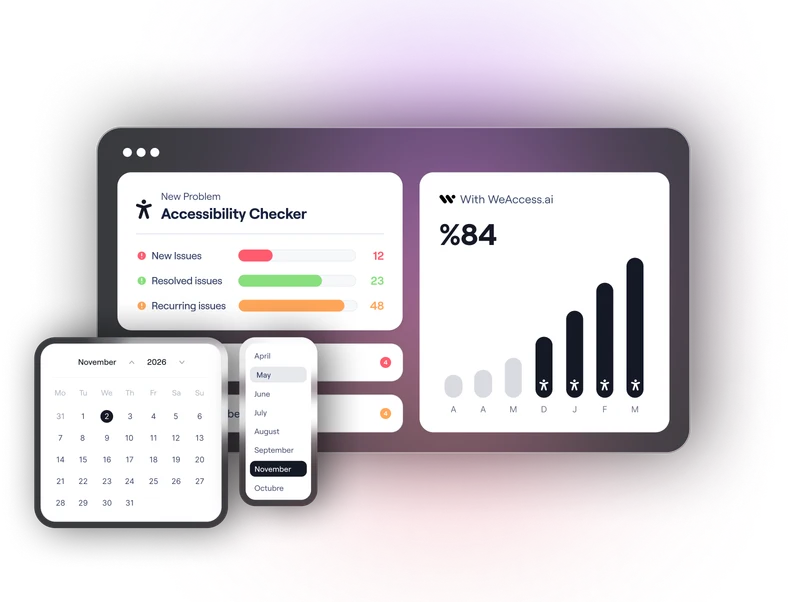
Accessibility that fits your workflow.
Connect with the tools your teams already use and integrate accessibility into your development process.





Designed for every role.

Developers
Fix issues faster.

QA Teams
Validate before release.

Accessibility Teams
Monitor and report.

Managers
Track progress and impact.
Empower every team to identify, fix, and track accessibility issues with the right insights and tools for their role.
A Word from Our Accessibility Team
Our team shares why this solution matters—and how it can help more people access what you create.
“You can't fix the barriers you haven't found. Scan your website, see what needs attention, and start improving access.”

Your questions, answered.
Still have questions? View our complete FAQ section.
No. Automated scanning detects some technical barriers, but many WCAG criteria can only be evaluated by a person. For a full assessment, we recommend combining the scan with an expert-led manual audit.
The scan tests against WCAG 2.2 Level A and AA success criteria and reports the affected criterion for every issue it finds.
Yes. You can scan a single page or let WeAccess crawl your whole site and report the results page by page.
Yes. Pages behind a login can be scanned once you provide the credentials or a session for the area you want to test.
Every issue comes with the exact element location, the affected WCAG criterion and an actionable recommendation your developers can apply directly.
Find accessibility
barriers today.
Run your first accessibility scan or talk to our team about continuous accessibility monitoring.