

Alt Text Generator
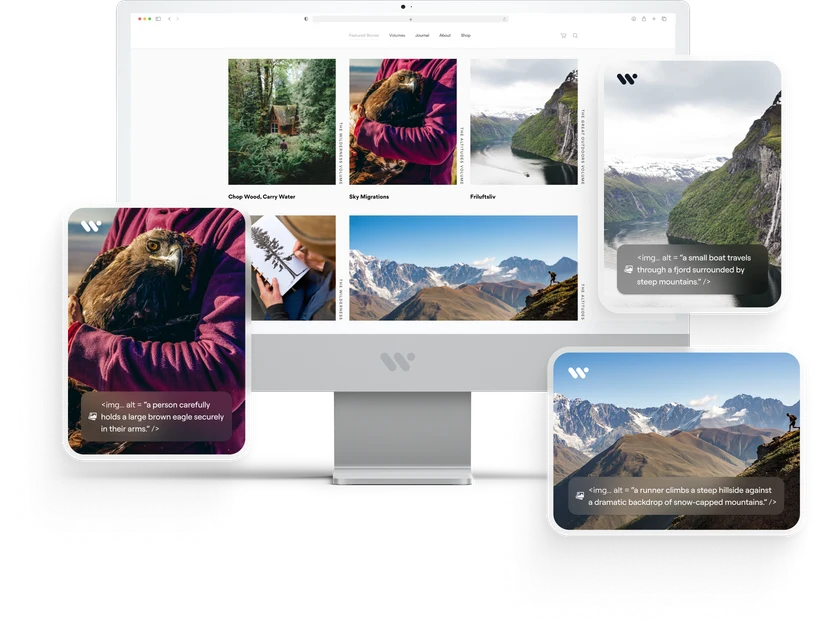
Alt Text Generator uses AI to suggest alternative text for the images on your websites and in your digital content. It helps people who rely on screen readers understand what an image shows. Generated alt text should be reviewed before publishing.
- Supports WCAG 2.2 Success Criterion 1.1.1
- AI powered
Some of the organizations we work with













Meaningful alt text in three steps.
- 1
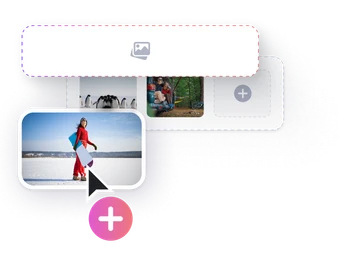
Upload the image
Pick a file or drag and drop it.
- 2
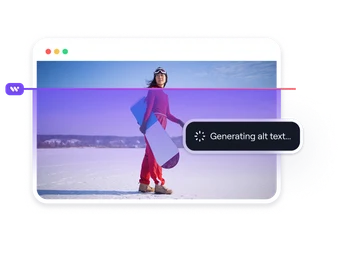
Let AI analyse it
The content of the image is described automatically.
- 3
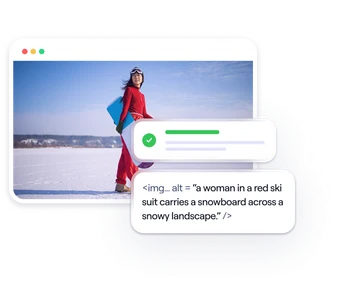
Get your alt text
Edit it, copy it, or download everything at once.
Upload your images, let AI analyse them, and review the suggested alt text.
Make your images more accessible.
AI-generated alt text
Analyses what is in the image and suggests alt text you can review and edit.
Batch processing
Process hundreds of images at once and save time.
Multi-language support
Generate alt text in English, Turkish and other languages.
API integration
Plug it into your existing systems with ease.
Built around WCAG 2.2
Helps you work toward Success Criterion 1.1.1 Non-text Content. Generated alt text should be reviewed for accuracy and context.
A more inclusive world
Help more people access the information in your images.
Images are a core part of the digital experience. Meaningful alternative text helps blind and low-vision people access that information. It is also one of the requirements in WCAG and related accessibility regulations.
Let your imagestell the story.
Help screen reader users understand your images with Alt Text Generator.
Try It Now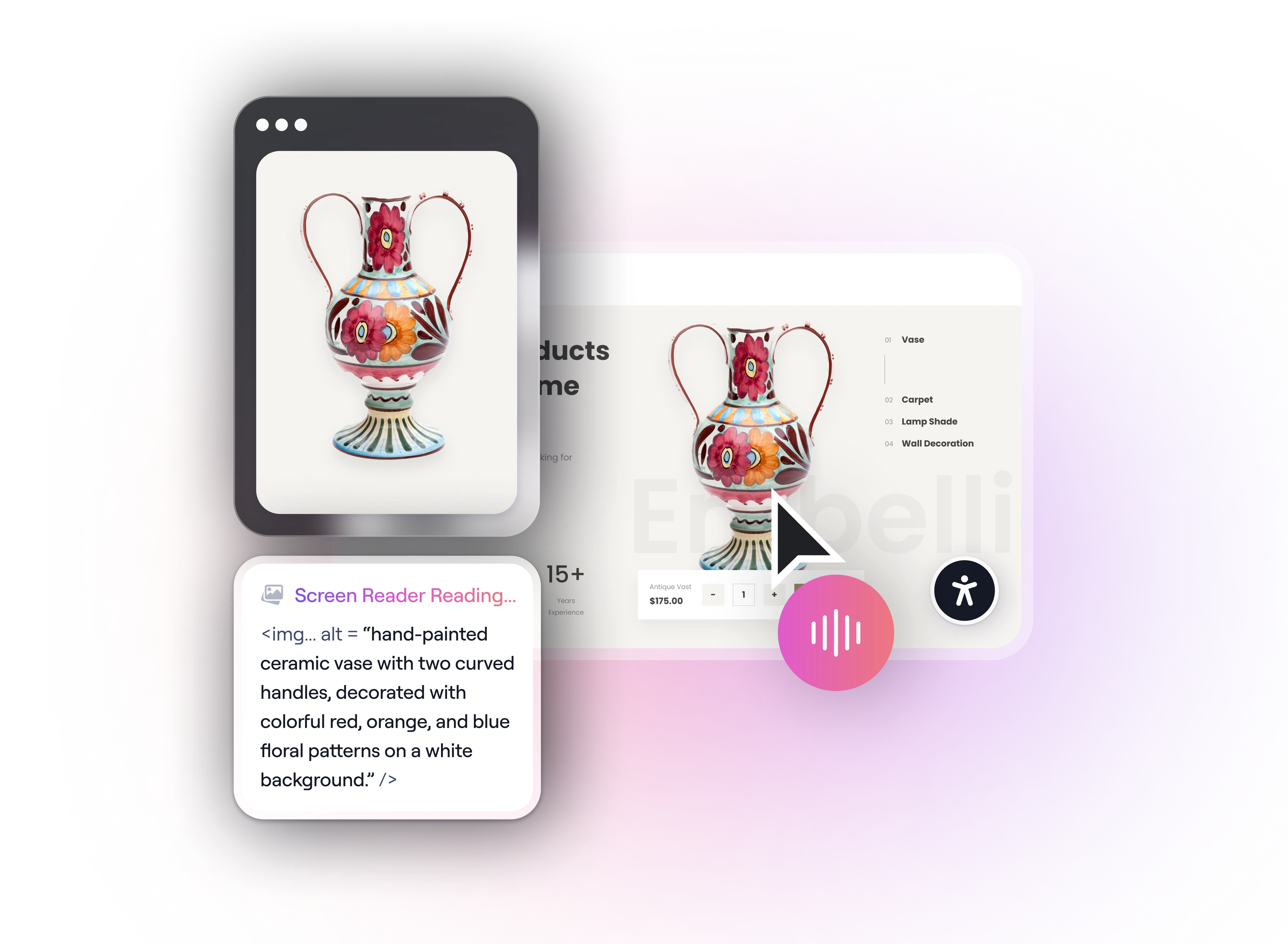


More accessible content, more equal opportunity.
 100,000+ Images analysed
 50+ Enterprise customers
 95% User satisfaction
 20+ Projects across sectors
A Word from Our Accessibility Team
Our team shares why this solution matters—and how it can help more people access what you create.
“Every meaningful image has something to say. Give more people access to that information with alt text.”

Your questions, answered.
Still have questions? View our complete FAQ section.
JPEG, PNG, WebP, GIF and SVG files are supported. You can upload images one by one, send a whole folder at once, or pass them straight through the API.
The interface accepts 500 images per upload. Larger archives go through the queued batch endpoint in the API, which has no fixed limit.
Yes. We recommend reviewing every generated alt text before publishing. AI may miss context, such as the purpose of an image on a specific page, so a human check helps ensure accuracy.
Send an image URL to the REST endpoint with the key from your dashboard and the response carries the alt text. The documentation includes ready-made snippets for common content management systems.
Images are encrypted in transit and at rest, processed only to generate alt text, and never used to train models. You can delete your files at any point once processing is done.