

WeAccess.Ai Video Sign Language SDK Integration for Flutter Applications
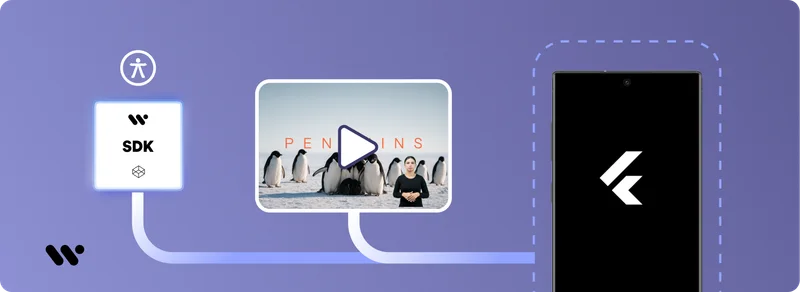
WeAccess.Ai Video Sign Language SDK Integration for Flutter Applications
Step 1. Add the Package
In your Flutter project root, run the following command:
flutter pub add video_sign_translateActivation
Step 2. Initialize in main.dart
Initialize the SDK using your API key before calling runApp:
void main() async {
  await VideoSignTranslate.init(apiKey: 'YOUR-API-KEY');
  runApp(const MyApp());
}
Usage
Step 3.1 Widget & Controller
Wrap the video player with VideoSignPlayer to display the sign language overlay:
VideoSignController _signController;

VideoSignPlayer(
  controller: _signController,
  videoPlayerController: _controller,
  child: AspectRatio(
    aspectRatio: _controller.value.aspectRatio,
    child: VideoPlayer(_controller),
  ),
);
Step 3.2 Web Example (JavaScript)
If you're using the SDK on the web, here is a basic initialization script:
<script>
window.addEventListener("load", function () {
  if (window.VideoSignTranslate) {
    console.log("VideoSignTranslate SDK found. Initializing...");
    VideoSignTranslate.initialize("YOUR_API_KEY");

    const waitForVideoElement = () => {
      const videoElement = document.querySelector("video");
      if (videoElement) {
        console.log("Video element found. Attaching SDK...");
        VideoSignTranslate.attachToVideo(videoElement);
      } else {
        console.log("Video element not found. Retrying...");
        setTimeout(waitForVideoElement, 500);
      }
    };

    waitForVideoElement();
  } else {
    console.error("VideoSignTranslate SDK could not be loaded.");
  }
});
</script>