

دمج حزمة SDK للغة الإشارة بالفيديو من WeAccess.Ai في تطبيقات Flutter
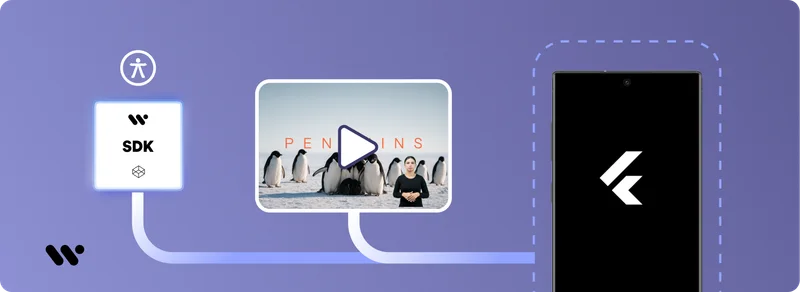
دمج حزمة SDK للغة الإشارة بالفيديو من WeAccess.Ai في تطبيقات Flutter
الخطوة 1. إضافة الحزمة
في المجلد الجذر لمشروع Flutter الخاص بك، نفّذ الأمر التالي:
flutter pub add video_sign_translateالتفعيل
الخطوة 2. التهيئة في main.dart
قم بتهيئة حزمة SDK باستخدام مفتاح API الخاص بك قبل استدعاء runApp:
void main() async {
  await VideoSignTranslate.init(apiKey: 'YOUR-API-KEY');
  runApp(const MyApp());
}
الاستخدام
الخطوة 3.1 Widget & Controller
غلّف مشغل الفيديو بـ VideoSignPlayer لعرض طبقة لغة الإشارة:
VideoSignController _signController;

VideoSignPlayer(
  controller: _signController,
  videoPlayerController: _controller,
  child: AspectRatio(
    aspectRatio: _controller.value.aspectRatio,
    child: VideoPlayer(_controller),
  ),
);
الخطوة 3.2 مثال الويب (JavaScript)
إذا كنت تستخدم حزمة SDK على الويب، إليك سكريبت تهيئة أساسي:
<script>
window.addEventListener("load", function () {
  if (window.VideoSignTranslate) {
    console.log("VideoSignTranslate SDK found. Initializing...");
    VideoSignTranslate.initialize("YOUR_API_KEY");

    const waitForVideoElement = () => {
      const videoElement = document.querySelector("video");
      if (videoElement) {
        console.log("Video element found. Attaching SDK...");
        VideoSignTranslate.attachToVideo(videoElement);
      } else {
        console.log("Video element not found. Retrying...");
        setTimeout(waitForVideoElement, 500);
      }
    };

    waitForVideoElement();
  } else {
    console.error("VideoSignTranslate SDK could not be loaded.");
  }
});
</script>