

Integração do SDK de Língua Gestual em Vídeo WeAccess.Ai para Aplicações iOS
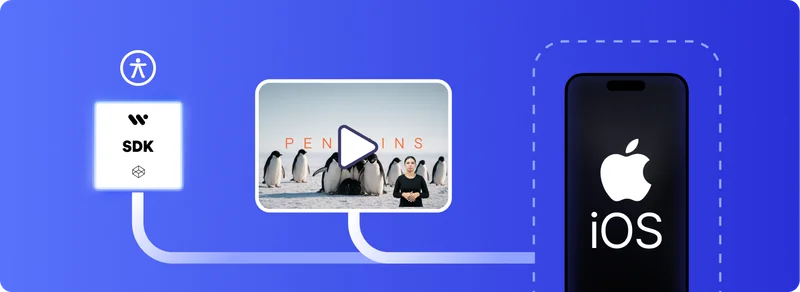
Integração do SDK de Língua Gestual em Vídeo WeAccess.Ai para iOS (SwiftUI)
Passo 1. Instalar com o Swift Package Manager
Abra o seu projeto no Xcode e faça o seguinte:
- Aceda a
File → Add Packages… - Introduza o seguinte URL:
https://github.com/signfordeaf/VideoSignTranslate.gitPasso 2. Instalação Manual
- Clonar o repositório
- Adicionar manualmente os ficheiros Swift ao seu projeto Xcode
Ativação
Inicialize o SDK com a sua chave de API:
import SwiftUI
import VideoSignTranslate

@main
struct WeSignExampleApp: App {
    init() {
        VideoSignController.shared.initialize(apiKey: "YOUR-API-KEY")
    }

    var body: some Scene {
        WindowGroup {
            ContentView()
        }
    }
}
Utilização
Na sua vista SwiftUI:
import SwiftUI
import AVKit
import VideoSignTranslate

struct ContentView: View {
    @State private var player: AVPlayer?
    private let videoURL: URL?

    init() {
        if let url = Bundle.main.url(forResource: "YOUR-FILE-NAME", withExtension: "mp4") {
            self.videoURL = url
            self._player = State(initialValue: AVPlayer(url: url))
        } else {
            self.videoURL = nil
            print("Hata: Video dosyası bulunamadı.")
        }
    }

    var body: some View {
        VStack {
            if let player = player, let videoURL = videoURL {
                SignVideoPlayerView(
                    videoURL: videoURL,
                    videoAssetName: videoURL,
                    videoPlayer: VideoPlayer(player: player),
                    playerC: player
                )
            } else {
                Text("Video yüklenemedi.")
                    .foregroundColor(.red)
            }
        }
    }
}

#Preview {
    ContentView()
}
